How to Place Your Order
About 2 minutes · 12 easy steps · Works on any phone
Ships from U.S. warehouse — 5–7 day delivery
Red circles show you exactly what to tap
Prices, phone numbers and addresses are hidden (shown as asterisks) in these screenshots — your sales rep quotes you the current prices.
Open your link
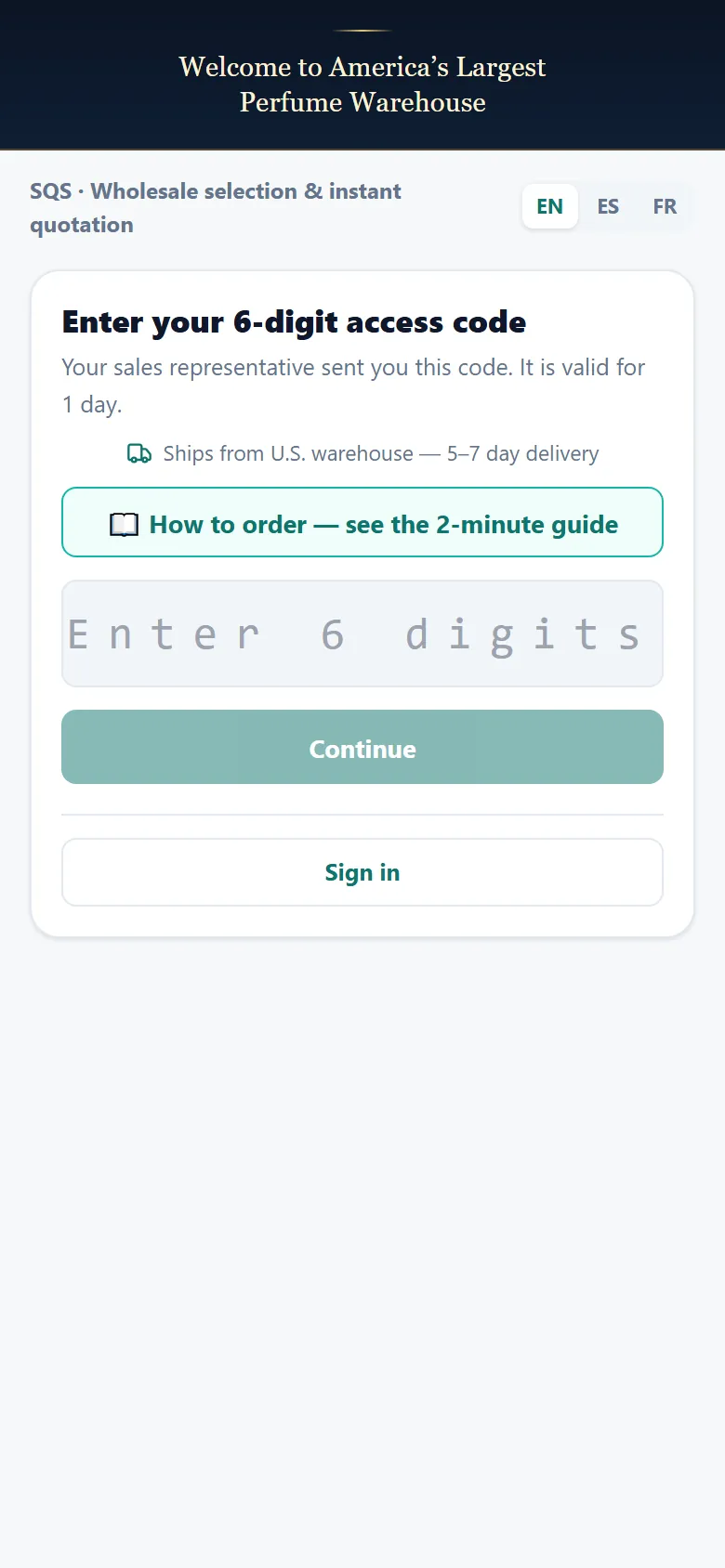
Open the link your sales rep sent you — or go to otwmail.com.
no hidden fieldsEnter your code
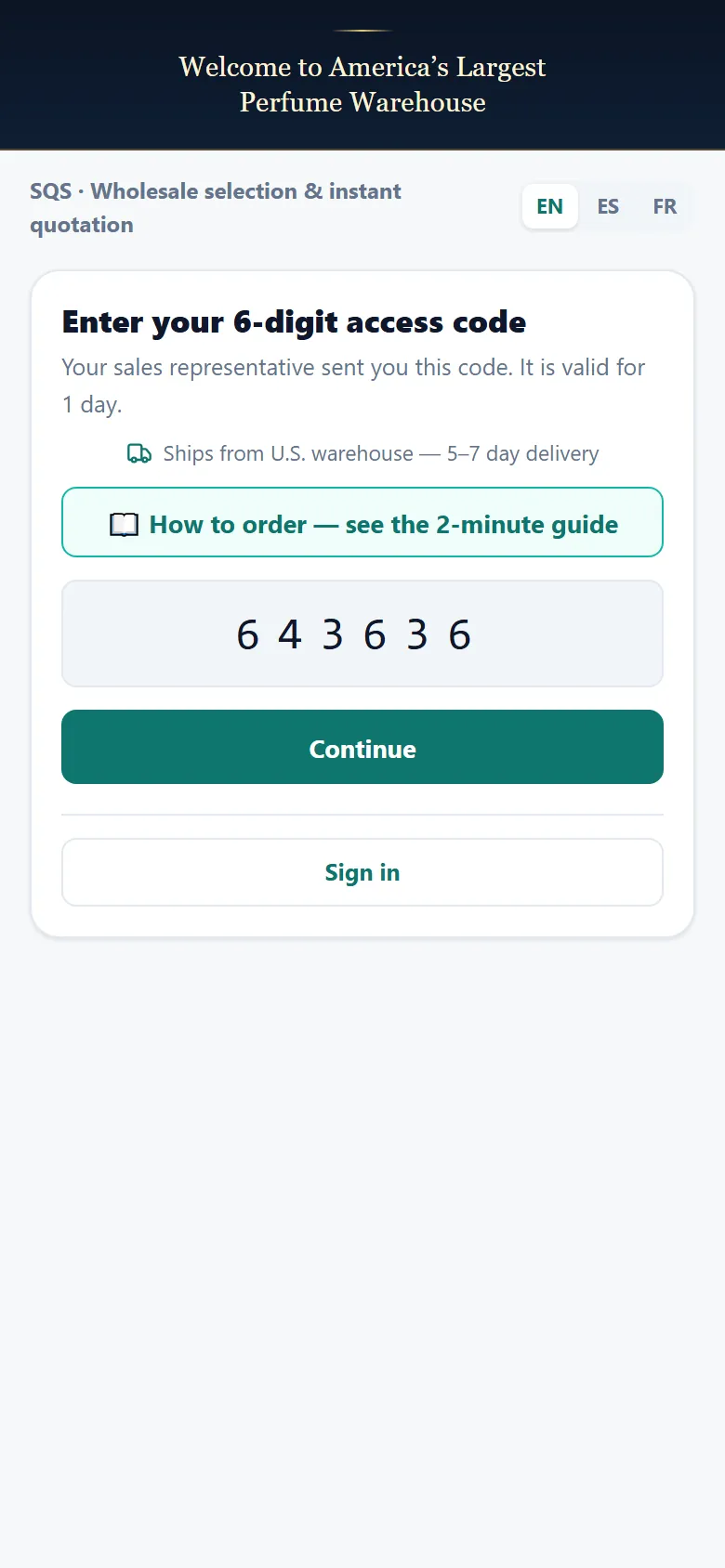
Type the 6-digit code from your rep, then tap Continue.
no hidden fieldsBrowse the catalog
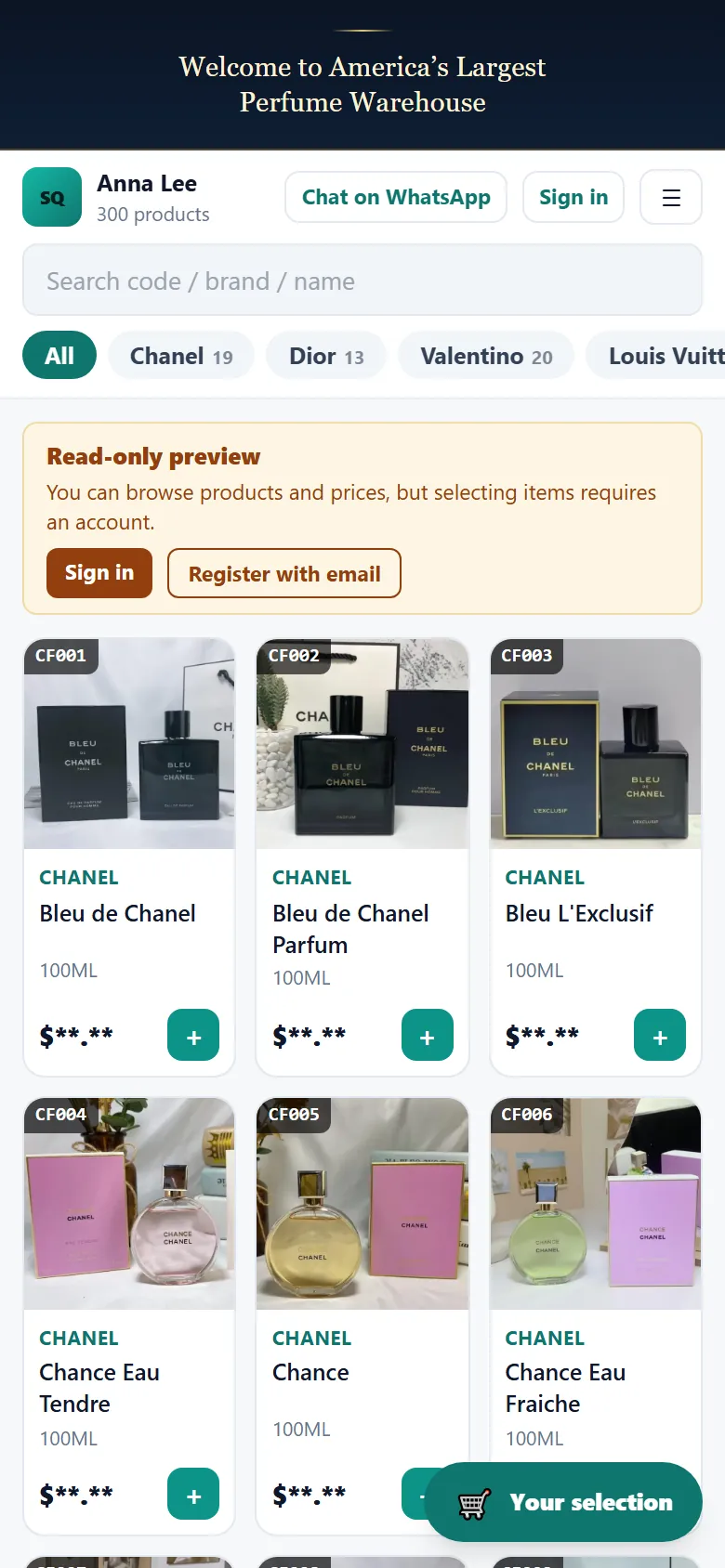
Wholesale prices, 3 products per row. Swipe up for more.
some fields hidden (asterisks)Tap a product photo
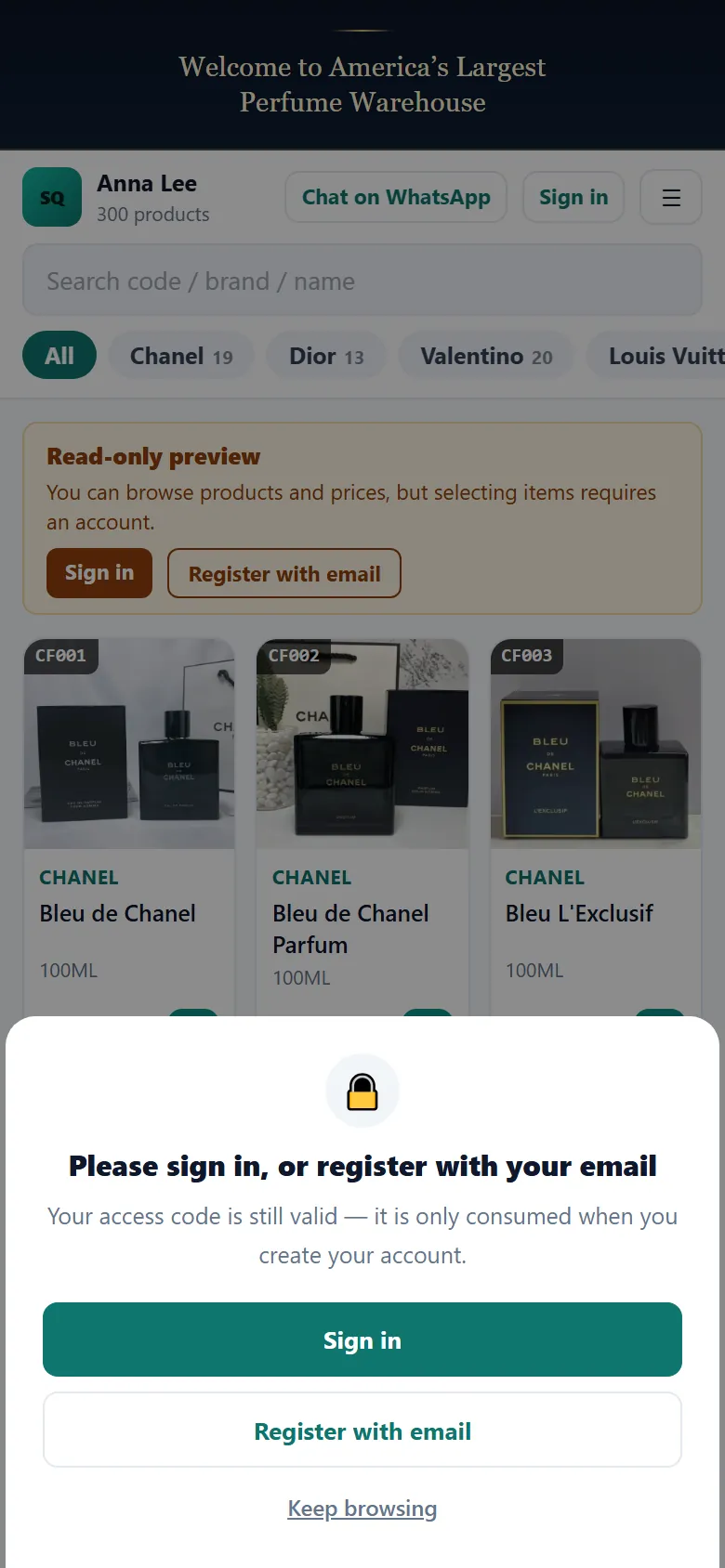
Tap any product photo. First-time visitors see this prompt.
some fields hidden (asterisks)Create your account
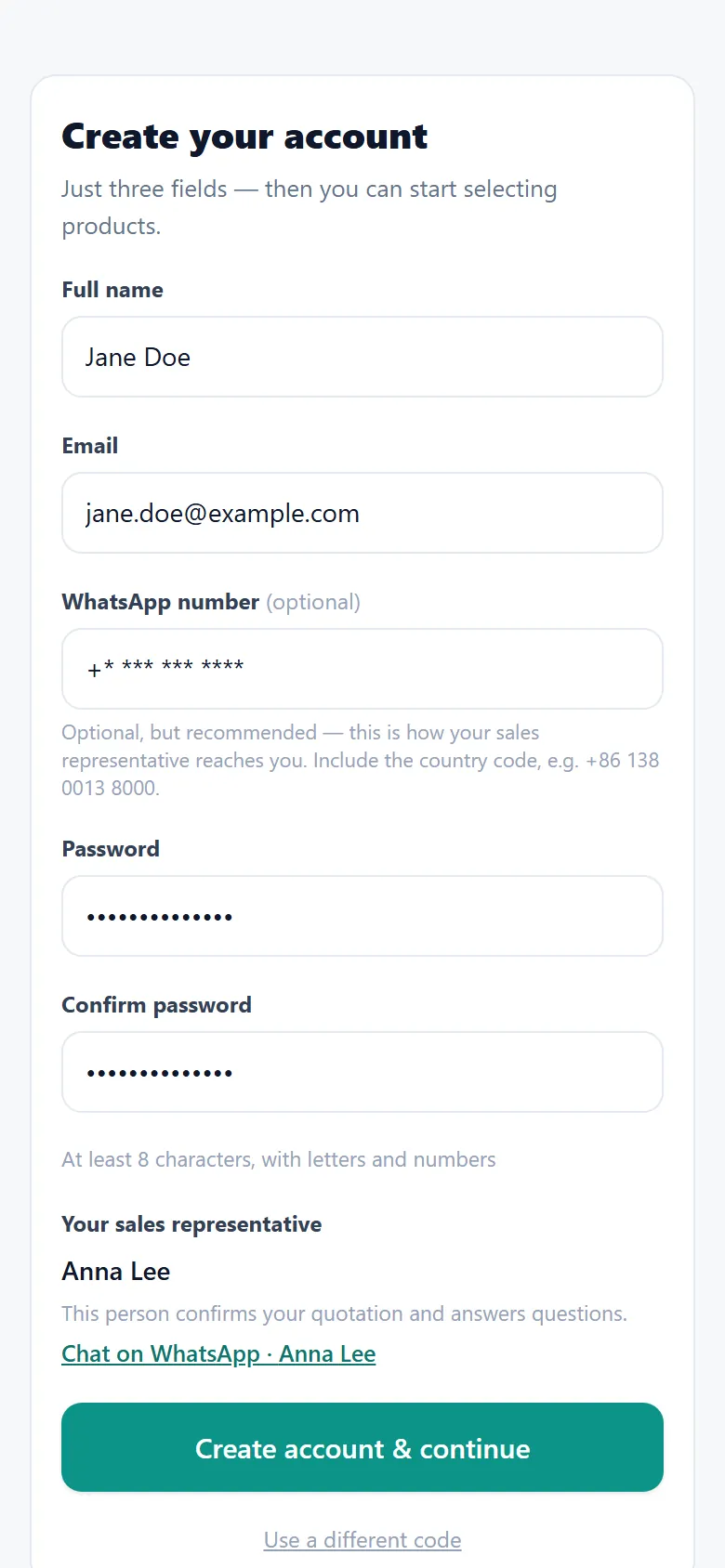
Tap Register with email, then fill in the form. Add your WhatsApp number.
some fields hidden (asterisks)Choose your quantity

Set the quantity, then tap Add to selection.
some fields hidden (asterisks)Tap the cart

Everything you pick is saved. Tap the cart button at the bottom right.
some fields hidden (asterisks)Check your selection
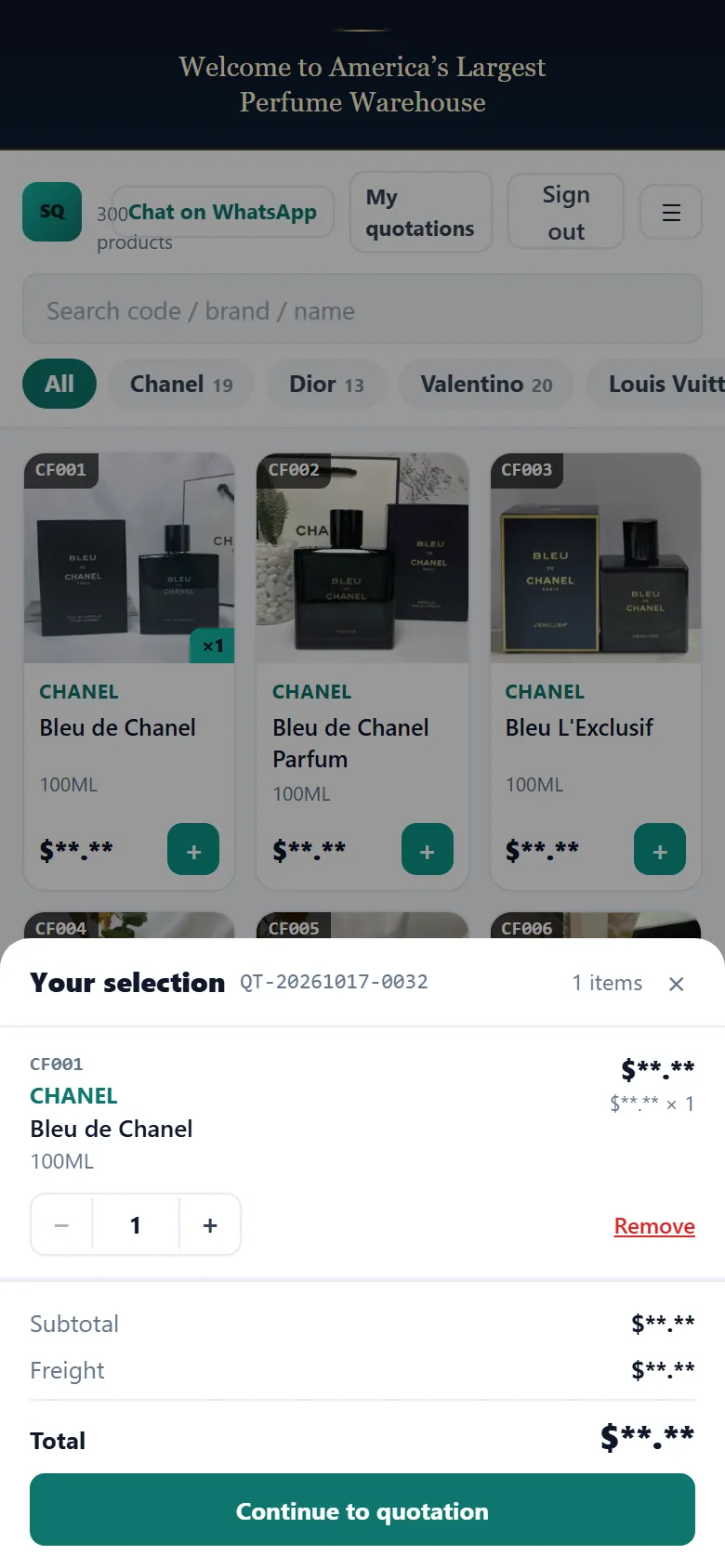
Check items and amounts, then tap Continue to quotation.
some fields hidden (asterisks)Add your address
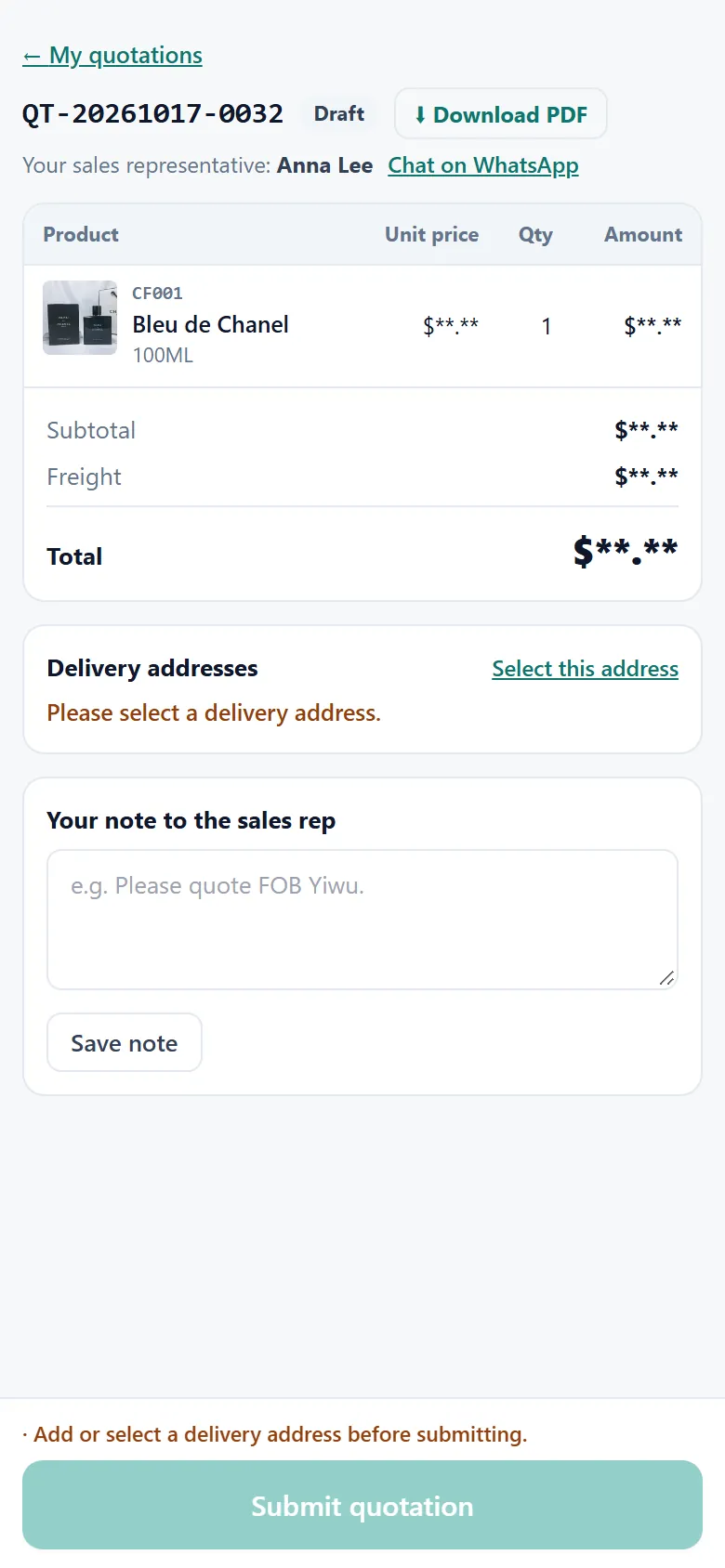
An order needs a delivery address. Tap Select this address.
some fields hidden (asterisks)Save your address
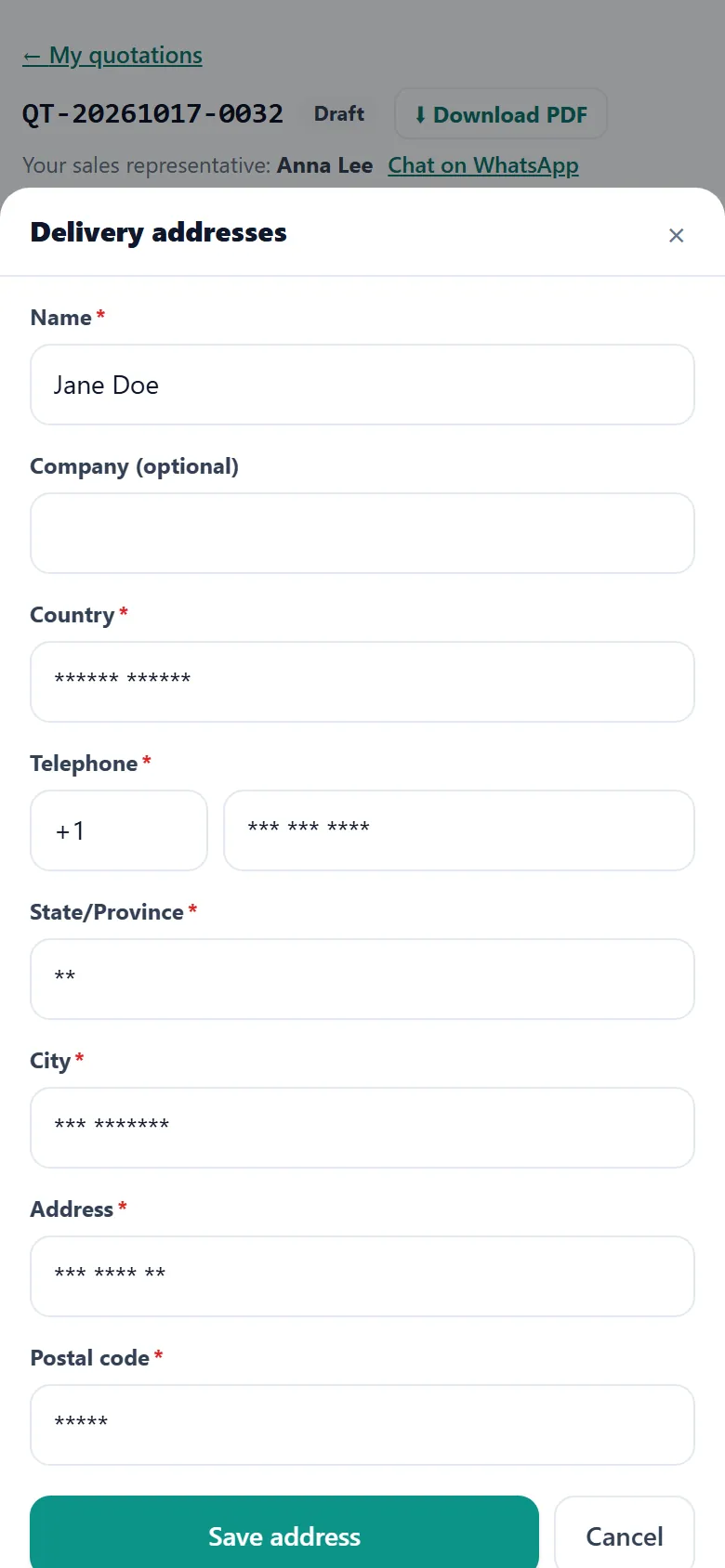
Fill in every field marked *, then tap Save address.
some fields hidden (asterisks)Submit your order
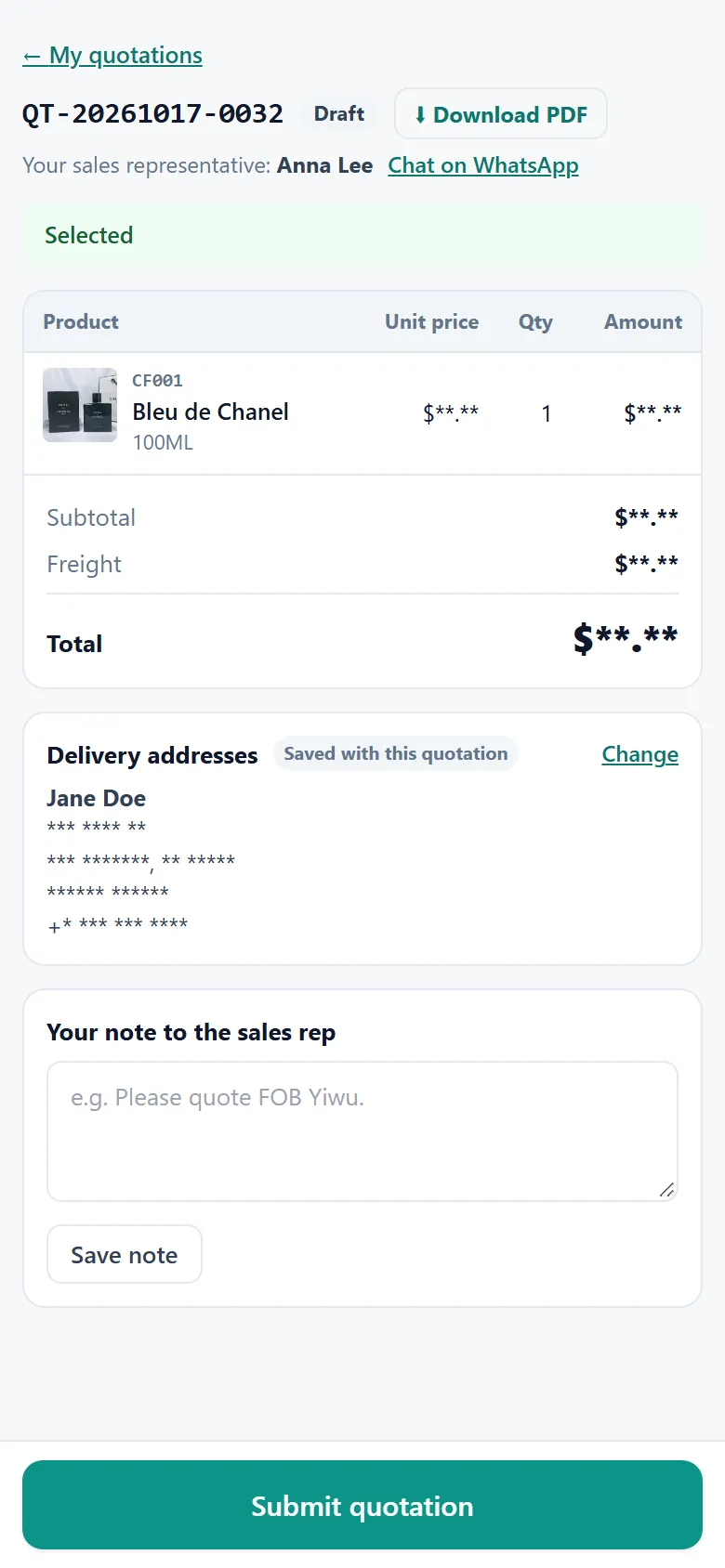
Check the total, then tap Submit quotation.
some fields hidden (asterisks)You’re all set
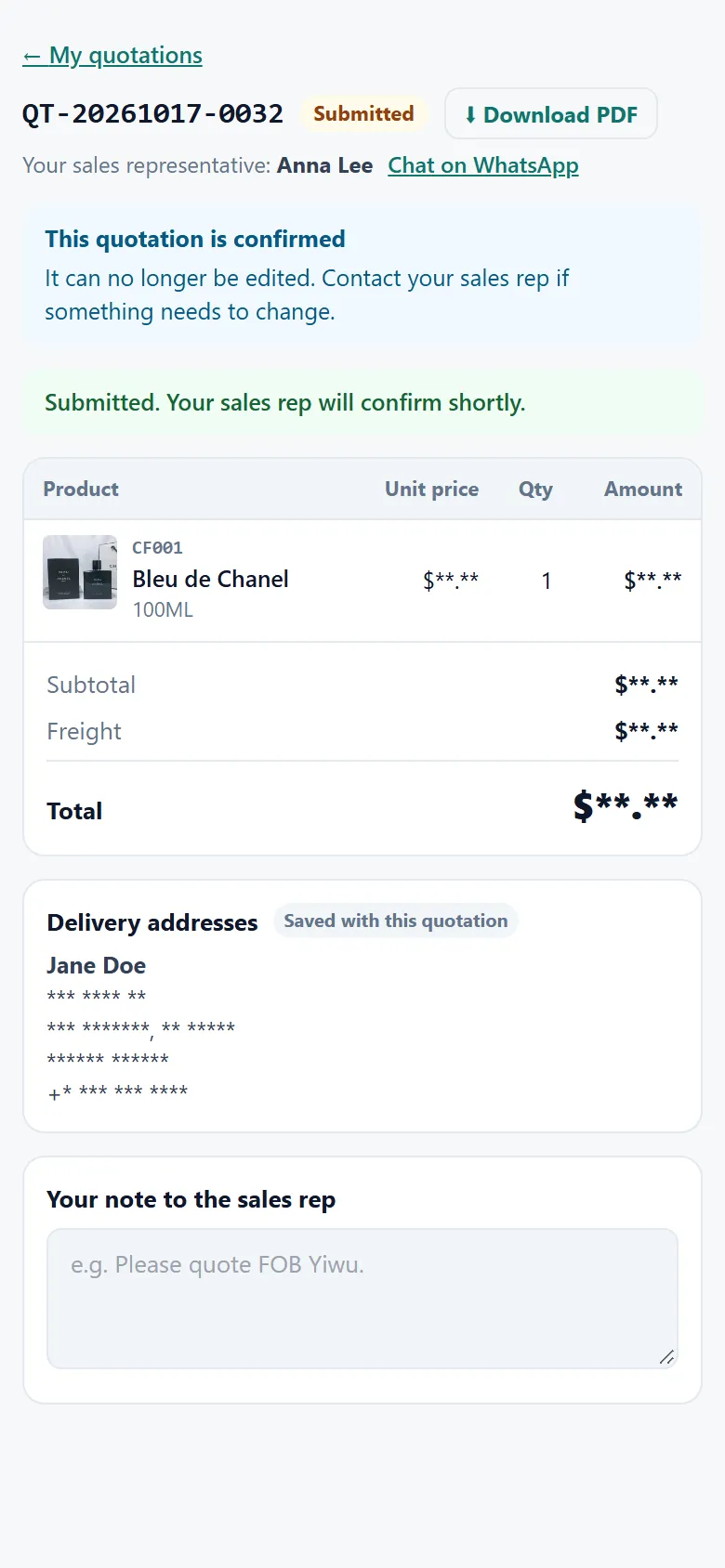
Your order is in. You can download the PDF any time.
some fields hidden (asterisks)